

Find a service and review a business
Search for a service or business in your city and see how to book.
You can search from the Tulemi homepage or open the service directory. If a business sent you a link, use it to go straight to its profile.
Search for a service
Section titled “Search for a service”- Enter a service or business name and choose a city.
- Use the categories on the results page or change your search.
- Open a business profile. Compare its services, prices, durations, location, and contact details.
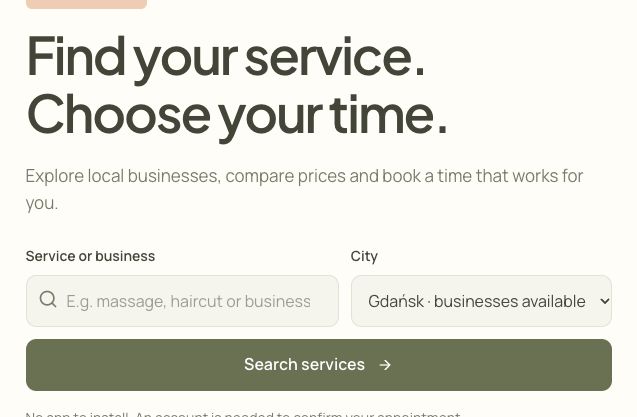
- Enter a service or business name.
- Choose a city.
- Open the results.
Check whether you can book online
Section titled “Check whether you can book online”- If the profile offers online booking, choose a service to see the available times.
- If the profile only shows contact details, contact the business directly to arrange a visit.
If you cannot find a result
Section titled “If you cannot find a result”Check the selected city and try a shorter search or broader category. If the directory reports a loading error, try again. A loading error and an empty result list require different checks.